


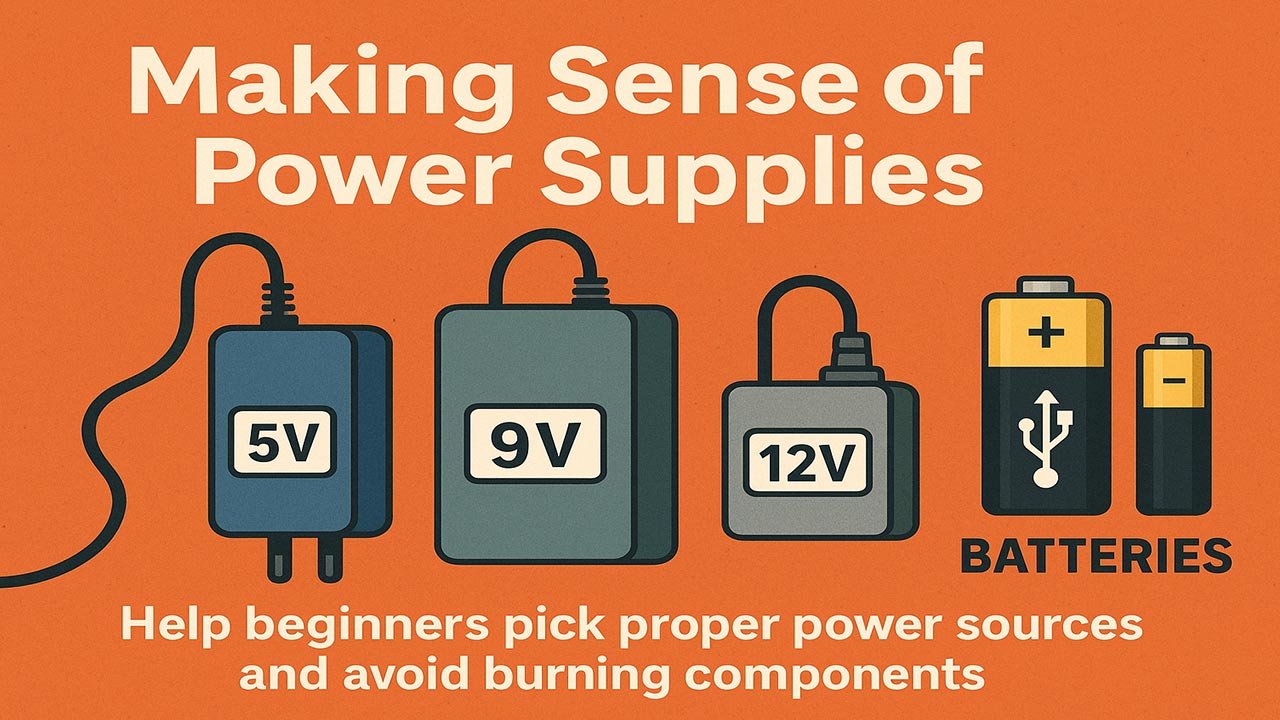
Making Sense of Power Supplies (5V, 9V, 12V, USB & Batteries)
Choosing the right power source is one of the biggest challenges for electronics beginners. This guide breaks down the most common power options—5V, 9V, 12V, USB, and battery packs—so you can power your projects safely without frying components. You’ll learn how voltage, current, and polarity work together, how to size a power supply, and how to avoid the classic beginner mistakes that lead to dead boards and burnt sensors.
Table of Contents
- Understanding the Basics of Power
- Common Power Supply Types
- Choosing the Right Power Source
- How to Avoid Burning Components
- Beginner-Friendly Recommendations
- Top 5 Frequently Asked Questions
- Final Thoughts
- Resources
Understanding the Basics of Power
Voltage
Voltage is electrical “pressure.” Too much pressure destroys components; too little causes unstable behavior.
Most hobby electronics operate at 3.3V or 5V, while motors, LEDs, and audio equipment often run at 9V or 12V.
Key rule: Voltage must match the device’s rated input.
Current
Current is the rate of flow—measured in amperes (A).
Devices draw the current they need, so a 2A power supply can safely power a 0.2A load.
But a supply that cannot deliver enough current causes crashes, resets, and overheating.
Polarity
Polarity refers to which wire is positive and negative.
Barrel jacks often use center-positive, though some devices (especially older gear) use center-negative.
Never assume—always check the label.
Common Power Supply Types
5V Power Supplies
5V is the backbone of microcontroller and logic circuits.
You’ll see it used for:
- Arduino boards
- Sensors
- Logic-level ICs
- 5V LED strips
Modern 5V supplies are regulated and stable. Wall adapters typically supply 1A–3A, suitable for moderate loads.
9V Power Supplies
The classic 9V battery became popular with pedals and portable radios, but its low capacity makes it poorly suited for high-draw devices.
Best uses:
- Audio guitar pedals
- Some preamps
- Low-power standalone sensors
Avoid using 9V square batteries with microcontrollers—they sag under load and crash easily.
12V Power Supplies
12V is common in automotive and lighting systems.
Used for:
- LED strips (12V variants)
- Motors and pumps
- CCTV cameras
- 3D printer controllers
12V can damage 5V systems instantly unless properly regulated.
USB Power
USB has become the standard for low-voltage electronics.
USB 2.0: 5V at 0.5A
USB 3.0: 5V at 0.9A
USB chargers: 5V at 1A–3A
USB-C PD: Up to 20V depending on negotiation
For beginners, USB is reliable and well-regulated, making it perfect for microcontrollers.
Battery Packs
Battery packs provide portable power but vary widely.
AA/AAA packs: Good for low-draw projects
Li-ion 18650 cells: High-current, rechargeable
LiPo packs: Lightweight, high discharge, but require careful charging
9V battery: Not recommended for microcontrollers
Battery choice depends on capacity, voltage, and safety requirements.
Choosing the Right Power Source
Matching Voltage
The voltage your device requires should match exactly unless the device includes a regulator.
Example safe matches:
- 12V LED strip → 12V adapter
- Arduino Uno VIN → 7–12V
- ESP32 board → 5V USB
Never connect:
- 12V to a 5V device
- 9V to a 3.3V sensor
- A LiPo directly to a 5V logic board
Sizing Current
Add up the current needs of all connected devices.
Example:
- Arduino Nano: 50mA
- 3× sensors: ~120mA
- LED strip: 500mATotal: ~670mA → Choose a 5V 1A supply
A supply with higher current capacity is safe and recommended.
Powering Mixed-Voltage Systems
Many projects use both 12V (motors) and 5V (logic).
Solutions:
- Use DC-DC buck converters
- Use boards with built-in regulators
- Keep grounds connected for stable signals
Never power motors and logic from the same 5V supply without regulation; motors create voltage spikes that corrupt digital circuits.
How to Avoid Burning Components
Overvoltage
Applying higher voltage than rated causes instant destruction.
Protection tips:
- Use a buck converter
- Use voltage regulators
- Add zener clamps or TVS diodes for spikes
- Label your power rails clearly
Overcurrent
Overcurrent overheats traces and components.
Solutions:
- Add fuses
- Use current-limited supplies
- Use inline protectors for sensitive boards
- Avoid powering LED strips from microcontroller pins
Reverse Polarity
Accidentally flipping positive and negative is extremely common.
Protection:
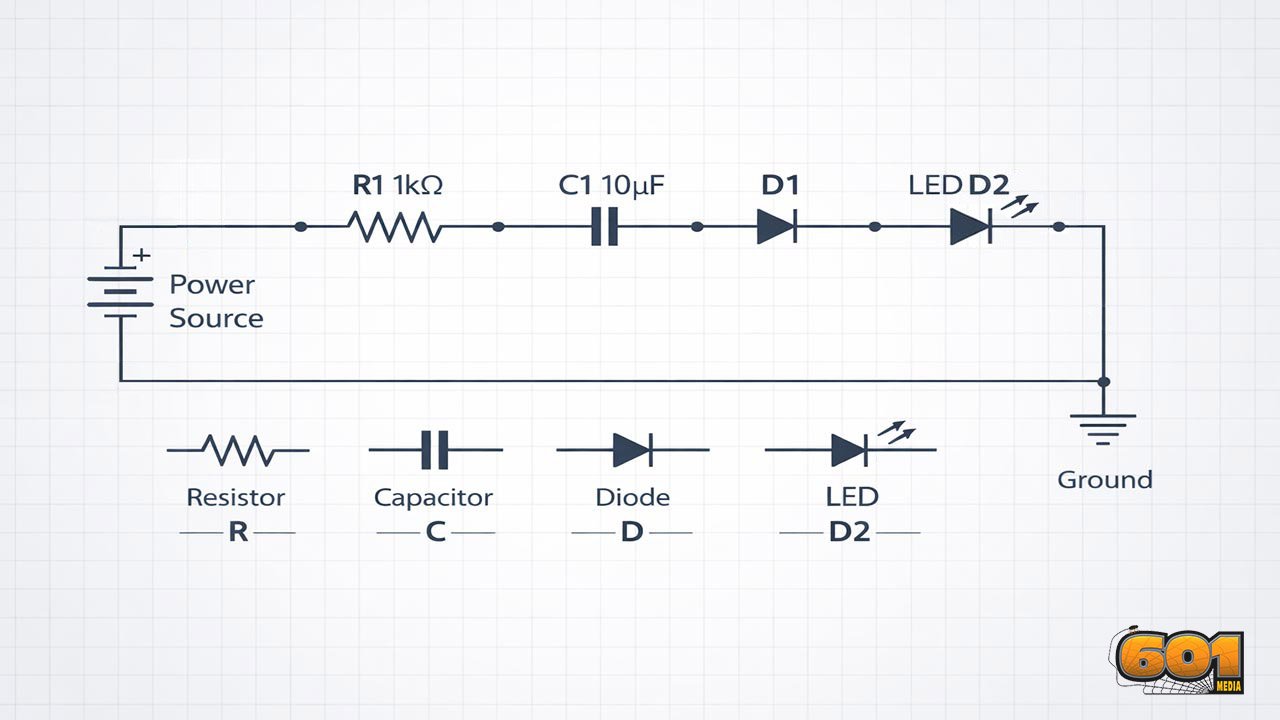
- Diode polarity protection
- MOSFET reverse-protection circuits
- Keyed connectors
- Color-coded wiring
Barrel connectors are notorious for polarity surprises—always double-check.
Beginner-Friendly Recommendations
- Use USB power for microcontrollers whenever possible.
- For anything over 1A, buy a quality regulated adapter.
- Use buck converters when stepping down from 12V or battery packs.
- Avoid 9V square batteries for microcontrollers—they cause instability.
- Use inline fuses for motors, pumps, or LED strips.
- Never guess polarity—verify it every time.
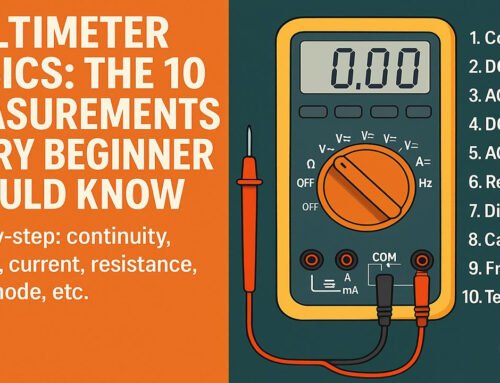
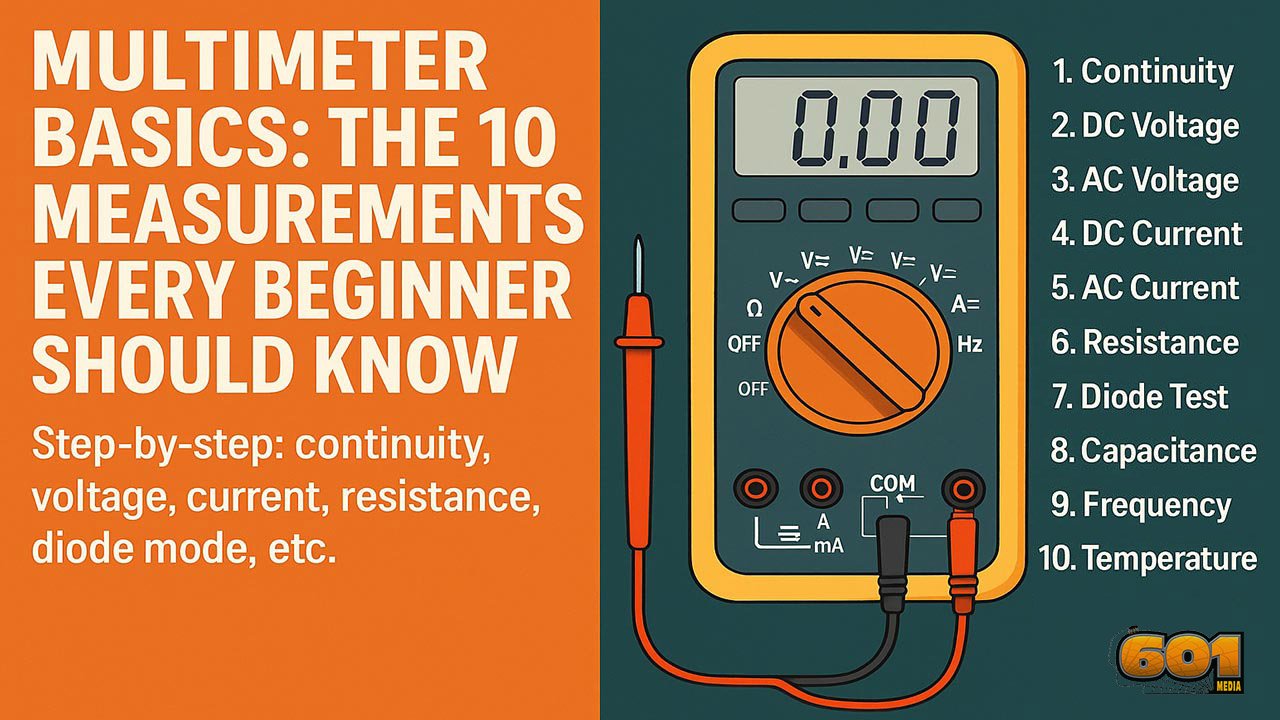
- Measure voltage with a multimeter before connecting to your project.
Good power management prevents 90% of beginner mistakes.
Top 5 Frequently Asked Questions
Final Thoughts
Choosing the right power source is the backbone of reliable electronics design. Beginners often underestimate the importance of proper voltage matching, current sizing, and polarity verification. The most critical takeaway is this: voltage must always match your device’s requirements, current must exceed the device’s needs, and polarity must be correct. Once you master these fundamentals, you’ll prevent burnt components, random resets, and unstable behavior. Good power management is what turns a messy workbench prototype into a safe, dependable device.
Resources
- All About Circuits – Power Basics
- SparkFun Guides – Voltage, Current & Regulators
- Adafruit Learning System – Choosing Power Supplies
- Electronics Tutorials – Power Supply Design Principles
Leave A Comment