


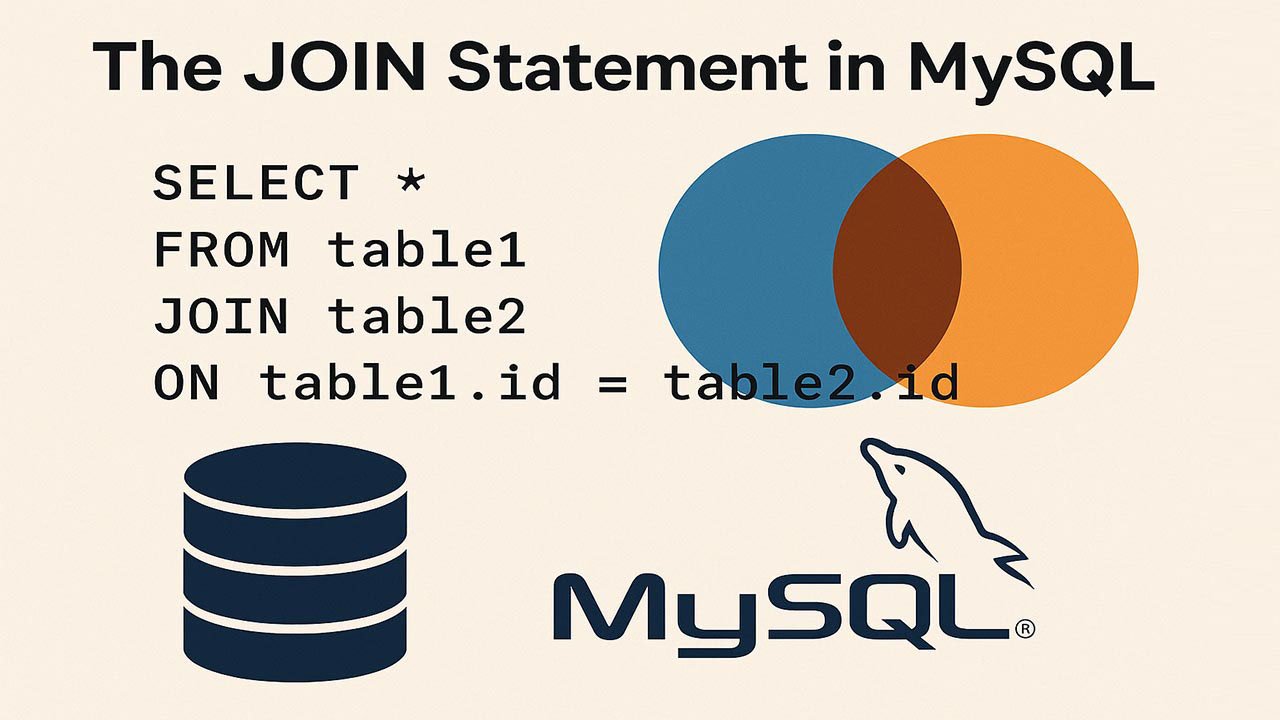
The JOIN Statement in MySQL: INNER, LEFT, RIGHT, and FULL JOIN Workarounds
This guide explains the MySQL JOIN statement, with practical JOIN examples and performance best practices. You’ll learn when to use INNER JOIN vs LEFT JOIN, how RIGHT JOIN differs, and how to emulate FULL OUTER JOIN in MySQL for complete reporting across related tables.
Table of Contents
- What Is a JOIN Statement in MySQL?
- Types of JOINs in MySQL
- Real-World Use Cases for MySQL JOINs
- Performance Optimization for MySQL JOIN Queries
- Common Mistakes to Avoid with MySQL JOINs
- Top 5 Frequently Asked Questions
- Final Thoughts
- Resources
What Is a JOIN Statement in MySQL?
A MySQL JOIN statement combines rows from two or more tables into a single result set using a relationship between columns. In a relational database, data is often split across tables to reduce duplication and improve integrity. JOINs are the mechanism that lets you query that normalized data as if it were one connected view.
If you’ve ever needed to show a customer’s name next to their orders, or list employees alongside their department names, you’ve already encountered the core reason SQL joins exist: one table holds identifiers, another holds details, and a JOIN stitches them together at query time.
Basic JOIN Syntax
A typical MySQL JOIN query looks like this:
SELECT columns FROM table1 JOIN table2 ON table1.common_field = table2.common_field;Key idea: the ON clause defines the match condition. Without it (or without a valid equivalent), you risk returning a massive cross-product of rows that rarely reflects real business logic.
Why JOINs Matter in Relational Design
Good database design separates entities into tables: customers, orders, products, employees, departments, and so on. Instead of repeating the same customer details on every order row, you store customer data once and reference it with a key. JOINs are what make that design usable in reporting and application queries.
In practice, JOINs help you:
- Build meaningful reports from normalized data
- Maintain consistency by referencing a single source of truth
- Reduce storage duplication and update anomalies
- Support analytics and dashboards that span multiple entities
Types of JOINs in MySQL
MySQL supports several JOIN types. The most commonly used are INNER JOIN, LEFT JOIN, and RIGHT JOIN. MySQL does not directly support FULL OUTER JOIN, but you can emulate it reliably.
INNER JOIN in MySQL
What it does: Returns only rows where there is a match in both tables.
SELECT * FROM employees INNER JOIN departments ON employees.dept_id = departments.id;How to interpret results: If an employee has a dept_id that matches a department id, they appear. If not, they are excluded.
Common use cases:
- Show only valid relationships, such as orders that have an existing customer
- Return only employees assigned to departments
- Filter out orphaned or incomplete data in reporting
Practical tip: If your INNER JOIN unexpectedly “loses” rows, it often signals missing or inconsistent foreign key values, not a query bug.
LEFT JOIN in MySQL
What it does: Returns all rows from the left table plus matching rows from the right table. If there is no match, the right-side columns return NULL.
SELECT * FROM employees LEFT JOIN departments ON employees.dept_id = departments.id;How to interpret results: Every employee appears. If their department doesn’t exist (or they have no department), the department fields are NULL.
Common use cases:
- Audit missing relationships, such as customers with no orders
- Show all employees, including contractors not assigned to a department
- Build “coverage” reports that require seeing unmatched records
Important note about filters: If you add a WHERE clause that checks a right-table column (for example WHERE departments.name = 'Sales'), you can accidentally convert the LEFT JOIN into INNER JOIN behavior by removing the NULL cases. A safer pattern is to place such conditions in the JOIN condition when you want to keep unmatched rows.
RIGHT JOIN in MySQL
What it does: Returns all rows from the right table plus matching rows from the left table. Unmatched left-side columns become NULL.
SELECT * FROM employees RIGHT JOIN departments ON employees.dept_id = departments.id;Common use cases:
- List all departments, even those with zero employees
- Generate completeness reports from the “reference” table side
Practical tip: Many teams prefer rewriting RIGHT JOIN as a LEFT JOIN by swapping table order. It can be easier to read and standardize across a codebase.
FULL OUTER JOIN Emulated in MySQL
MySQL does not provide a native FULL OUTER JOIN. To emulate FULL JOIN behavior, combine a LEFT JOIN and a RIGHT JOIN using UNION.
SELECT * FROM employees LEFT JOIN departments ON employees.dept_id = departments.id UNION SELECT * FROM employees RIGHT JOIN departments ON employees.dept_id = departments.id;What this returns:
- All matched rows (like an INNER JOIN)
- All unmatched rows from the left table (employees without departments)
- All unmatched rows from the right table (departments without employees)
UNION vs UNION ALL:
UNIONremoves duplicates, which is usually what you want for FULL OUTER JOIN emulationUNION ALLkeeps duplicates and can double-count matched rows unless you handle it carefully
Real-World Use Cases for MySQL JOINs
JOINs are not “advanced SQL.” They’re day-to-day tooling for building real features and reporting pipelines.
- E-commerce: Join orders, order_items, products, and customers to produce invoices, order histories, and revenue reports.
- HR systems: Join employees, departments, roles, and payroll tables to generate headcount, cost center, and compensation dashboards.
- Education platforms: Join students, enrollments, courses, and grades to build progress reports and cohort analytics.
- Customer support: Join tickets, users, agents, and SLA tables to measure response times and backlog health.
- Data quality auditing: LEFT JOIN is commonly used to find missing references, such as orders with missing customer records.
Performance Optimization for MySQL JOIN Queries
JOIN performance in MySQL is primarily about reducing unnecessary work: fewer rows scanned, faster lookups, and clear match conditions. The best optimizations typically come from indexing, selective filtering, and verifying the execution plan.
Indexing for JOINs
Index the columns used to join tables, especially:
- Foreign keys, such as
employees.dept_id - Primary keys, such as
departments.id - High-selectivity fields frequently used in JOIN conditions
A common rule of thumb: if a column is frequently used to match rows, it should almost always be indexed (unless the table is tiny).
Filtering and Selectivity
Use filters to reduce the number of rows involved in joins:
- Apply selective
WHEREclauses when you truly only need a subset - Filter on indexed columns whenever possible
- Be intentional about filters on the “optional” side of LEFT JOINs to avoid changing results
Avoid SELECT *
Avoid SELECT * in production queries. Pull only the columns you need:
- Reduces disk I/O and memory usage
- Improves network transfer time
- Makes query intent clearer to readers and maintainers
Example pattern:
SELECT e.id, e.name, d.name AS department_name FROM employees e LEFT JOIN departments d ON e.dept_id = d.id;Use EXPLAIN to Debug JOIN Performance
MySQL’s EXPLAIN shows how your query will be executed, including join order, indexes used, and estimated rows scanned.
EXPLAIN SELECT e.id, e.name, d.name FROM employees e JOIN departments d ON e.dept_id = d.id;If performance is poor, EXPLAIN often reveals:
- Missing indexes
- Large scans caused by low selectivity filters
- Join conditions that prevent index usage
JOIN Order and Optimizer Notes
MySQL’s optimizer may reorder joins and choose access paths regardless of how the query is written. That means “write the WHERE first” doesn’t guarantee execution sequence, but strong selectivity and proper indexes still matter because they shape the optimizer’s options.
Focus less on “forcing order” and more on:
- Clear join conditions
- Correct indexes
- Eliminating unnecessary rows and columns
Common Mistakes to Avoid with MySQL JOINs
- Forgetting the ON clause: This can create a Cartesian product, multiplying rows and producing misleading results.
- Using SELECT * everywhere: Leads to slower queries and brittle application code when schemas evolve.
- Missing indexes on join keys: Forces full scans and makes JOIN performance collapse as data grows.
- Accidentally filtering out NULL matches: A WHERE filter on the right table after a LEFT JOIN can remove the “unmatched” rows.
- Mismatched data types or collations: Joining an INT to a VARCHAR (or different collations) can block index usage and produce surprises.
Top 5 Frequently Asked Questions
Final Thoughts
The MySQL JOIN statement is one of the most valuable tools in SQL because it turns normalized tables into real answers: who bought what, which departments are staffed, which records are missing, and how different entities connect across a system. If you can confidently choose between INNER JOIN and LEFT JOIN, understand when RIGHT JOIN is useful, and know how to emulate FULL OUTER JOIN in MySQL, you’ll be able to write more accurate reports and build more reliable data-driven features. The final step is performance discipline: index join keys, select only needed columns, and validate execution plans with EXPLAIN as your datasets grow.







Leave A Comment