
Share This Story, Choose Your Platform!
Automation 101: A Complete Beginner’s Guide (2025)
If you’ve ever wondered how machines know what to do, how lights turn on automatically, how factories run themselves, or how your thermostat magically keeps the room at the perfect temperature — welcome to Automation 101. This guide is built for total beginners. No engineering degree required. Just curiosity.
Let’s take your first steps into the world of automation — hands-on, simple, and fun.
Table of Contents
- What Automation Actually Is (Explained Simply)
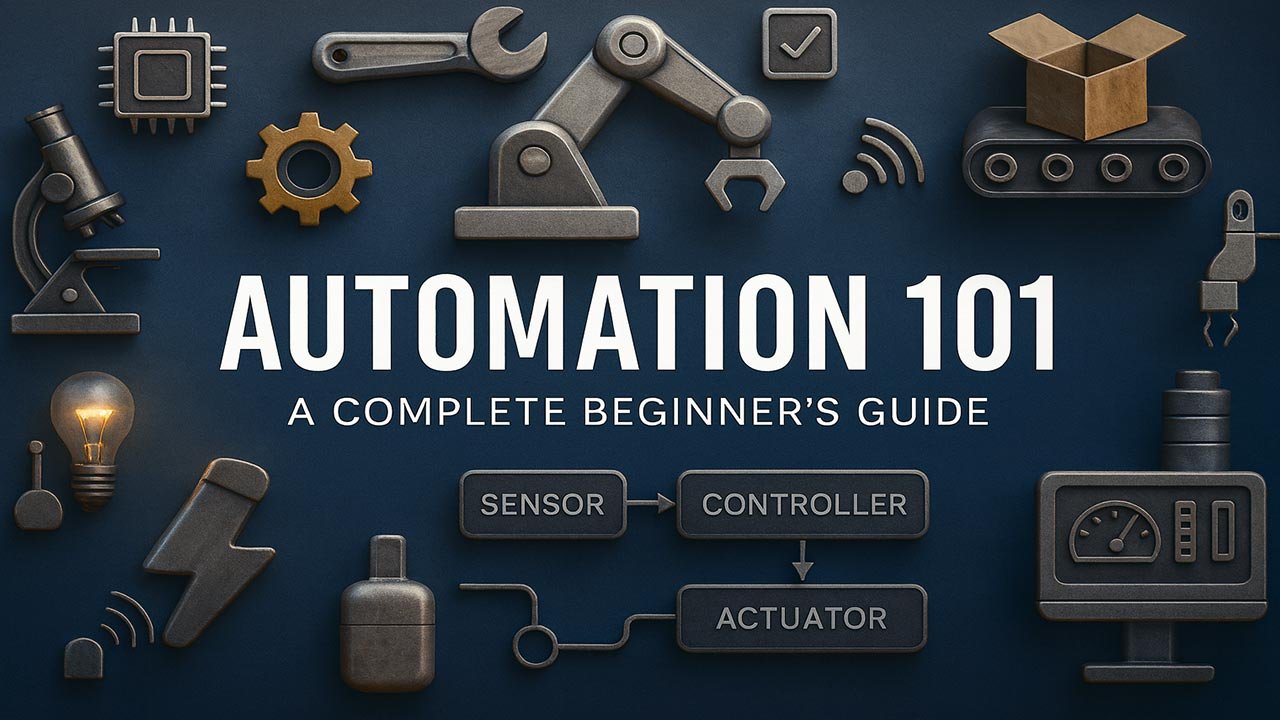
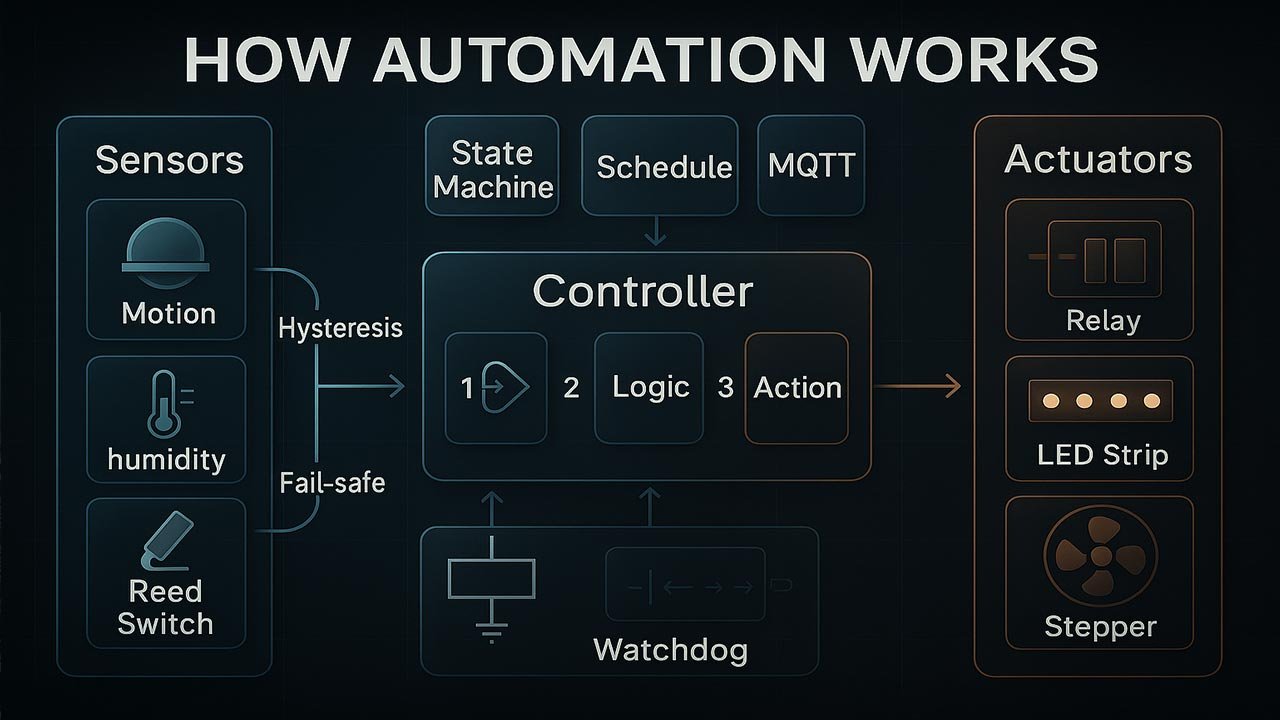
- The Automation Triangle: Sensors, Logic, Actuators
- Open-Loop vs Closed-Loop Automation
- Controllers: The Brains of Automation
- Common Sensors in Beginner Automation Projects
- Common Actuators in Automation
- Communication Basics (How Machines Talk)
- Automation Project Workflow (Beginner-Friendly)
- Real Beginner Projects (Easy Wins)
- Safety 101 for Beginners
- Where Automation Leads You Next
- Final Thoughts
- Top 5 Frequently Asked Questions
1. What Automation Actually Is (Explained Simply)
Automation is when machines perform tasks on their own, based on:
- Sensors (what they detect)
- Logic (if this → do that)
- Actuators (how they move things)
- Controllers (brains that decide actions)
That’s it.
Automation sounds complicated, but it’s really just machines reacting to information — the way you do every day.
Real-Life Automation Examples
- Automatic doors
- Thermostats (heating/cooling)
- Smart home lights
- Car windshield wipers in rain
- Factory conveyor belts
- Coffee makers with timers
If a machine monitors → decides → acts, it’s automation.
2. The Automation Triangle: Sensors, Logic, Actuators
Think of automation like a simple triangle:
A. Sensors — “The Eyes & Ears”
Sensors measure things like:
- Temperature
- Light
- Motion
- Distance
- Pressure
- Humidity
- Touch / switches
Sensors answer: “What’s happening right now?”
B. Logic — “The Brain”
The controller decides what to do with the sensor information.
Logic can be:
- A simple IF statement (Arduino, ESP32)
- A ladder logic rule (PLC)
- A smart-home routine (Alexa, Home Assistant)
- A timer or condition (sprinkler controller)
Logic answers: “What should I do when something happens?”
C. Actuators — “The Muscles”
Actuators DO the action.
Examples:
- Motors
- Servos
- Solenoids
- Relays
- Heaters
- Pumps
- Valves
Actuators answer: “What physical action should I perform?”
That’s the entire automation cycle.
3. Open-Loop vs Closed-Loop Automation
Automation falls into two simple types:
Open-Loop (No Feedback)
Example:
A fan starts when you press ON, no matter what.
- No sensors watching what happens
- Machine simply runs
- Cheap, simple, reliable
Examples:
- Microwave timer
- Basic sprinklers
- Cheap robot vacuum bump sensors
Closed-Loop (Feedback-Controlled)
Example:
A thermostat checks temperature continuously and adjusts as needed.
- Sensors measure results
- Machine adjusts its behavior
- More accurate and smarter
Examples:
- Cruise control
- Drones
- 3D printers
- Temperature control systems
Closed-loop control is where things get interesting — and powerful.
4. Controllers: The Brains of Automation
Beginners often start with microcontrollers (simple, fun, cheap).
Industrial systems use PLCs (rugged, reliable).
A. Microcontrollers (Maker-Friendly)
- Arduino
- ESP32
- Raspberry Pi Pico
Great for:
- Home projects
- DIY automation
- Small robots
- Learning logic
B. PLCs — Programmable Logic Controllers (Industrial)
Used in:
- Factories
- Packaging machines
- Conveyors
- Manufacturing robots
- Industrial sensors
PLCs are:
- Super reliable
- Extremely durable
- Designed for 24/7 operation
But concepts are the same: inputs → logic → outputs
5. Common Sensors in Beginner Automation Projects
Here are beginner-friendly sensors you’ll actually use:
1. Temperature & humidity (DHT22, DS18B20)
Great for environmental automation.
2. Light sensors (LDR)
Used for turning lights on/off automatically.
3. Motion sensors (PIR)
Used in alarms, lights, automation triggers.
4. Distance sensors (Ultrasonic / IR)
Robots, doors, parking sensors.
5. Pressure sensors
Useful for pneumatics, fluid monitoring.
6. Switches, buttons & limit switches
Found everywhere in automation.
Each sensor allows your system to “see” something different.
6. Common Actuators in Automation
1. Servo motors
For controlled angles — doors, levers, robots.
2. DC motors
Fans, wheels, pumps.
3. Stepper motors
Precise positioning — CNC, 3D printers.
4. Solenoids
Locks, push/pull mechanisms.
5. Relays
Control AC appliances safely.
6. Valves
For steam, water, air, fluids.
If it moves, opens, pushes, spins, or heats — it’s an actuator.
7. Communication Basics (How Machines Talk)
Automation systems often need sensors, controllers, and modules to communicate.
Here are the big three:
UART (Serial)
- Easiest to understand
- Great for debugging
I2C
- Multiple sensors on two wires
- Perfect for displays, IMUs
SPI
- Fast, reliable
- Used with SD cards, screens, fast sensors
Understanding these basics unlocks bigger projects easily.
8. Automation Project Workflow (Beginner-Friendly)
Here’s how to approach any automation project from scratch:
Step 1 — Define the Goal
“What does the system need to do?”
Step 2 — Identify the Inputs
“Which sensors do I need?”
Step 3 — Define the Logic
“When should something turn on or off?”
Step 4 — Choose the Actuators
“How does the system physically react?”
Step 5 — Build a Simple Prototype
Breadboard → code → test
Step 6 — Add Safety & Refinements
Fuses, heat considerations, proper wiring.
Step 7 — Iterate & Improve
Automation always evolves.
9. Real Beginner Projects (Easy Wins)
These are great starter projects that teach core automation concepts:
1. Automatic night light
LDR → logic → LED/relay
2. Smart fan controller
Temp sensor → logic → fan speed
3. Alarm with motion detection
PIR sensor → logic → buzzer
4. Servo door / gate control
Button or remote → logic → servo
5. Plant watering system
Moisture sensor → logic → pump
6. Simple home automation relay panel
WiFi → logic → appliances
Each of these teaches real-world automation principles.
10. Safety 101 for Beginners
Automation deals with electricity, moving parts, and real hardware.
Keep it simple:
- Always disconnect power before wiring.
- Never drive motors from your microcontroller’s 5V pin.
- Use relays or MOSFETs for high-power devices.
- Keep wires neat and strain-free.
- Use proper enclosures for anything AC-powered.
- Add fuses or circuit protection.
- Test responsibly with low voltage first.
Good habits early = fewer disasters later.
11. Where Automation Leads You Next
After learning Automation 101, most people explore:
Microcontrollers & IoT
ESP32, Home Assistant, smart devices.
Industrial Automation
PLCs, sensors, electro-pneumatics.
Robotics
Motors, kinematics, AI.
Home Automation Systems
Zigbee, Z-Wave, Matter, MQTT.
Data logging & dashboards
Charts, graphs, machine health monitoring.
Automation is a gateway skill — it leads everywhere.
Final Thoughts
Automation might seem intimidating, but underneath all the wires, sensors, and logic… it’s simply teaching a machine how to react to the world.
Start small.
Build confidence.
Let your curiosity guide you.
Every expert automation engineer once started exactly where you are — with a sensor, a blinking LED, and the excitement of making something move.
Welcome to the world of automation.
Top 5 Frequently Asked Questions
Share This Story, Choose Your Platform!

Related Automation Learning…
How to Get Started Learning IoT Automation
How to Get Started Learning IoT Automation IoT automation is transforming how industries operate, [...]
MCP Explained: The New AI Superpower No One Is Talking About
MCP Explained: How Model Context Protocol Lets AI Use Real Tools in a Safe [...]

The Open-Source Smart Home Secret Big Tech Doesn’t Want You to Use
What Is Home Assistant? Home Assistant is an open-source home automation platform that runs [...]

The ESPHome Revolution: The DIY Automation Tool Everyone Is Talking About!
What Is ESPHome? A Guide to Smarter DIY IoT Automation A streamlined explanation of [...]

Is CAN-Bus the Weak Link in Autonomous Vehicles?
Is CAN-Bus the Weak Spot in Autonomous Cars? Experts Reveal the Truth Self-driving cars [...]

The Dark Side of Autonomous Vehicles: What Tech Companies Won’t Tell You
The Dark Side of Autonomous Vehicles: What Tech Companies Won’t Tell You Autonomous vehicles [...]
Related 101 Topics…
Continue Learning other DIY topics…
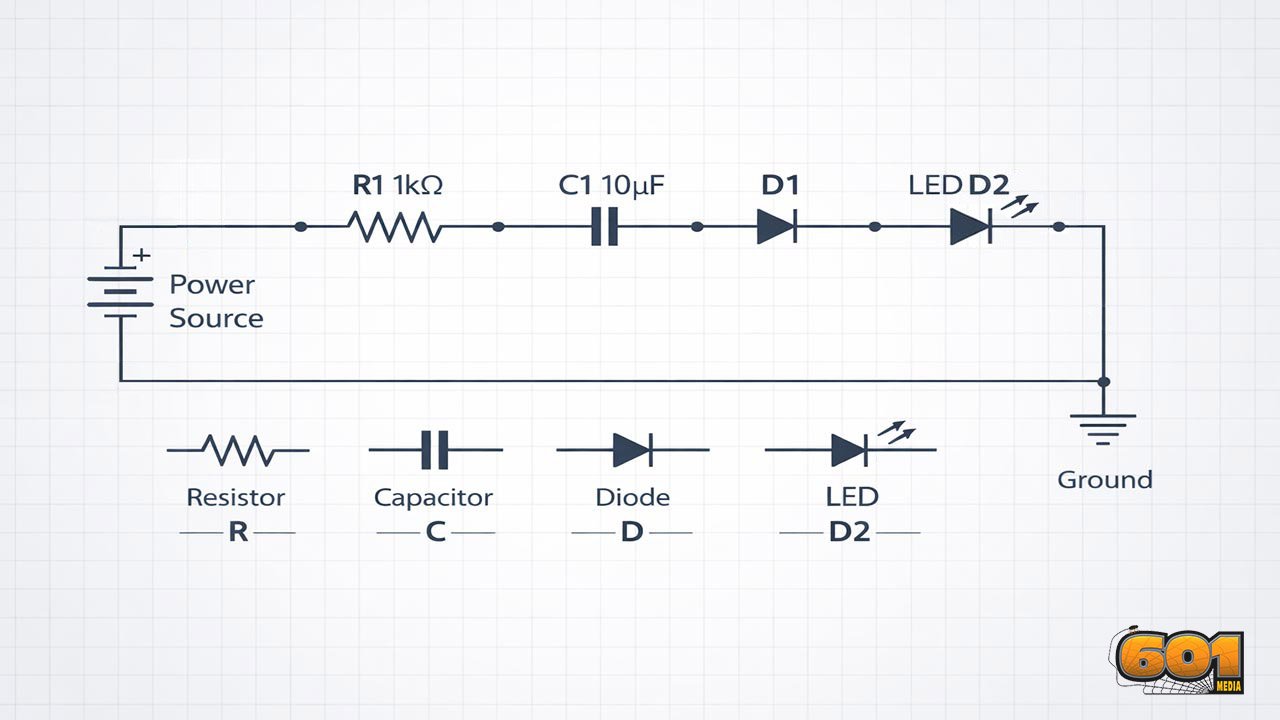
Circuit Diagrams for Beginners
Circuit Diagrams for Beginners: How to Read and Draw Schematics Understanding circuit diagrams is [...]
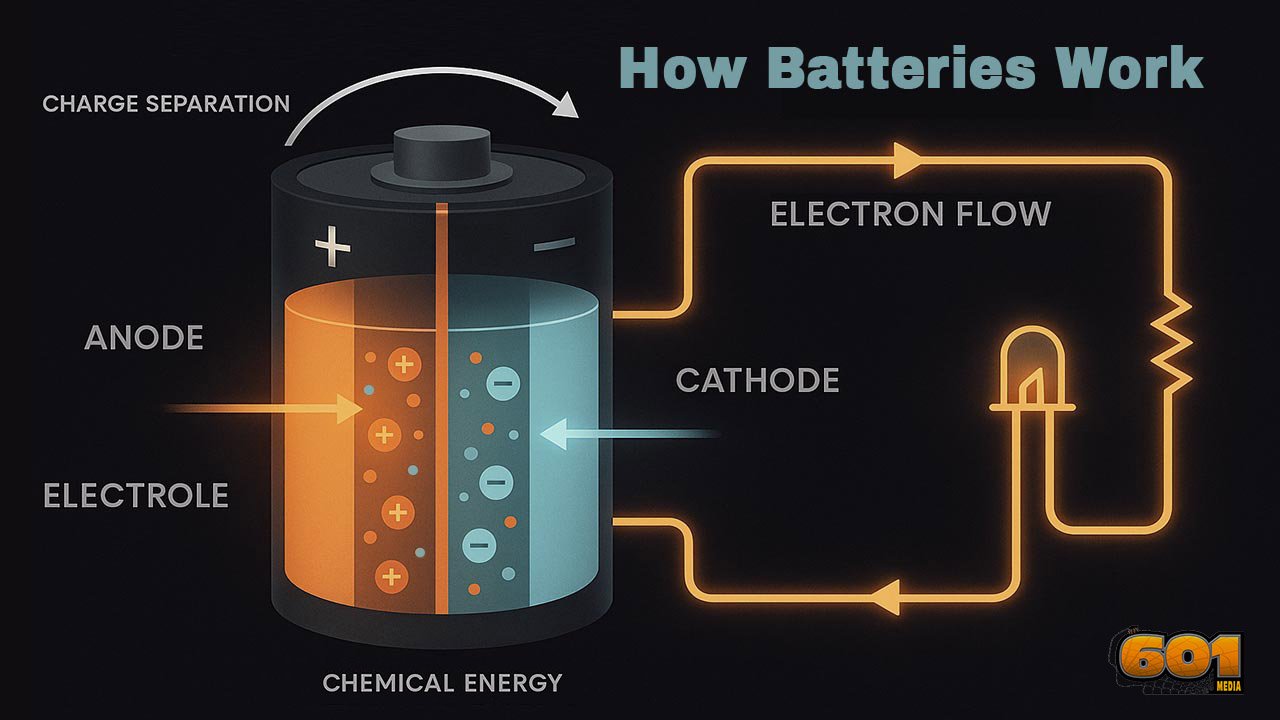
How Batteries Work
How Batteries Work: Charge Separation, Electron Flow, and Chemical Energy A practical deep-dive into [...]
Power Electronics: How It Works, Why It Matters, and Where It’s Headed Next
What Is Power Electronics? Power Electronics: A concise exploration of the field that controls, [...]
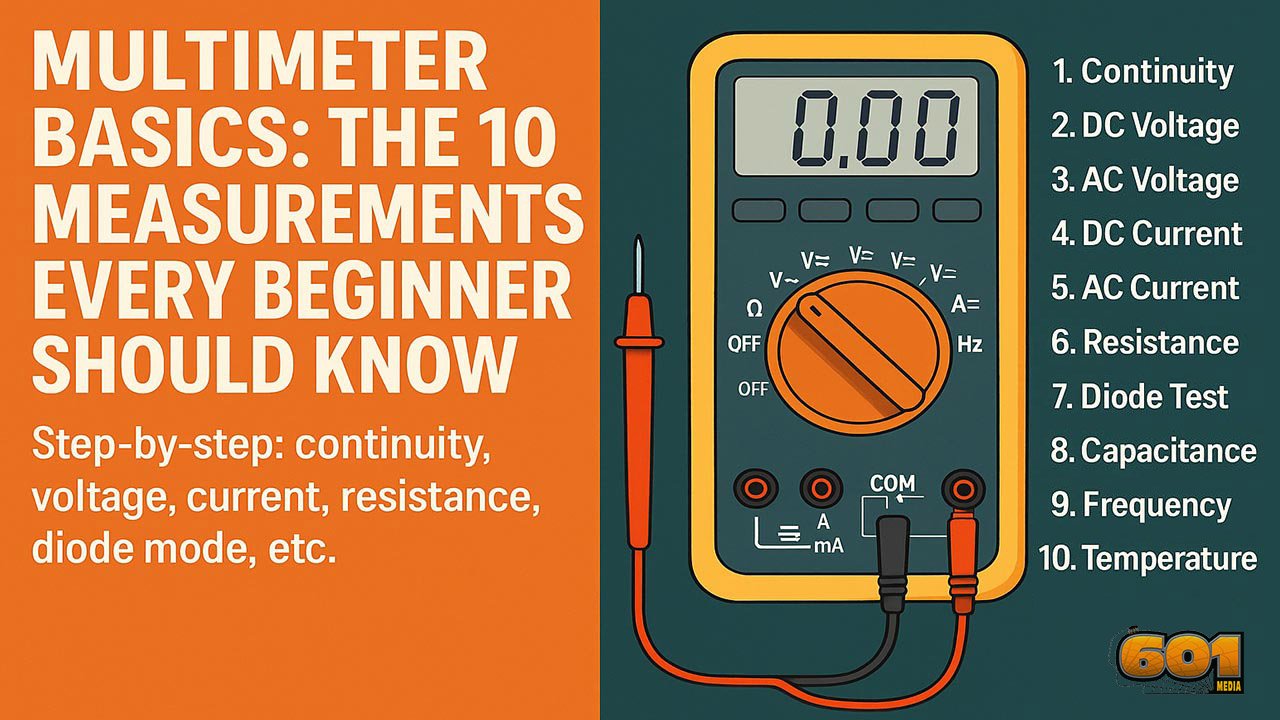
Multimeter Basics
Multimeter Basics: The 10 Measurements Every Beginner Should Know Learn the ten multimeter functions [...]

Godot Game Engine vs. Unity
Godot Game Engine vs. Unity: A Comparison for Modern Game Development Godot and Unity [...]
How to Get Started Learning IoT Automation
How to Get Started Learning IoT Automation IoT automation is transforming how industries operate, [...]

Headquarters:
601MEDIA LLC United States