


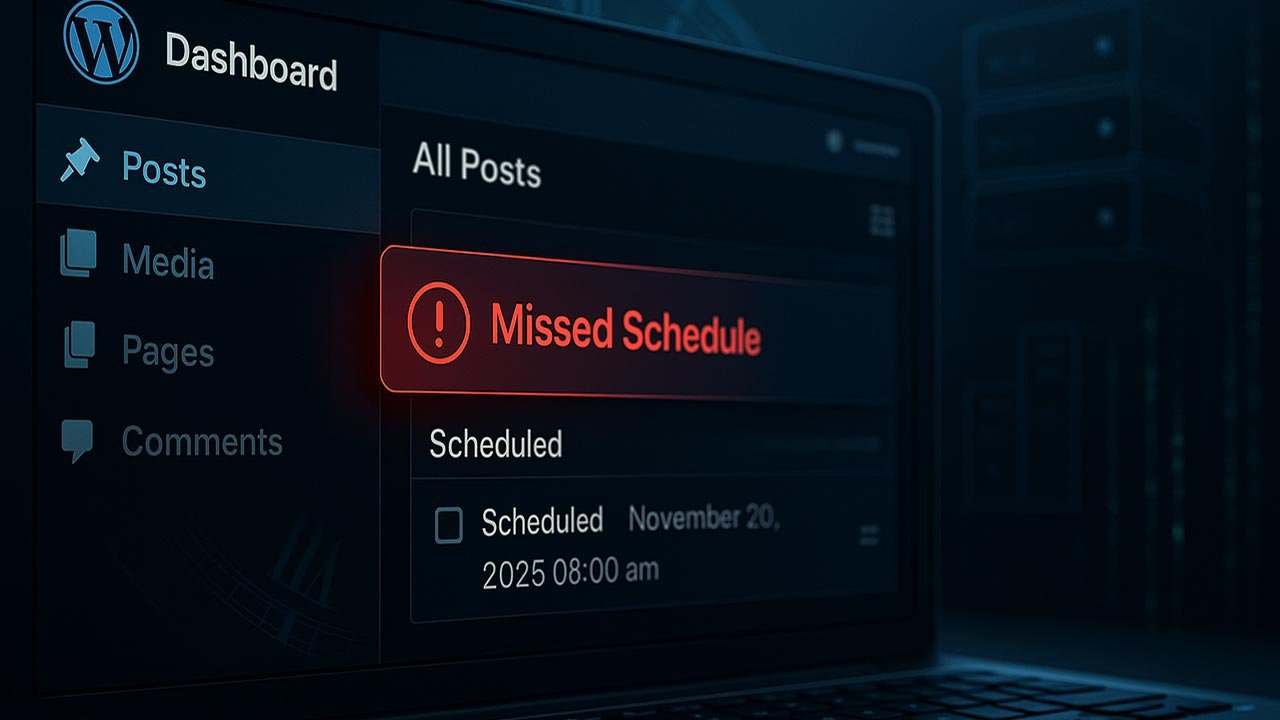
The Secret Behind WordPress Missed Schedule, Silently Breaking Post Scheduling
If you’ve ever opened WordPress expecting your scheduled content to be published—only to find a glaring “Missed schedule” message—you’re not alone. This problem frustrates thousands of creators, bloggers, and businesses every day, and it often happens quietly, without warning.
What most users never discover is that this failure is not random. WordPress relies on a fragile background system that breaks easily, especially on low-traffic or cached websites. Today, we’re exposing the real reason WordPress misses scheduled posts—and how to fix it forever.
Table of Contents
- What “Missed Schedule” Really Means
- The Secret System WordPress Uses to Publish Posts
- The #1 Reason WordPress Misses Scheduled Posts
- Other Common Causes of Missed Schedule Failures
- How to Fix Missed Schedule Permanently (Real Cron Job Setup)
- Quick Temporary Fixes
- Best Plugins to Rescue Missed Scheduled Posts
- Final Thoughts
- Top 5 Frequently Asked Questions
1. What “Missed Schedule” Really Means
When WordPress reports “missed schedule”, it simply means:
The system that should have published your post (WP-Cron) failed to run at the scheduled time.
Your post isn’t broken—WordPress just never executed the publish command.
2. The Secret System WordPress Uses to Publish Posts
WordPress does not use a real Linux cron job. Instead, it uses a virtual system called WP-Cron, which only runs when someone visits your website.
That means:
- No visitor = no cron run
- No cron run = missed scheduled posts
Even worse, caching plugins, speed boosters, or hosting restrictions often block WP-Cron completely.
To better understand how machines respond to triggers and events, you may find this beginner-friendly guide helpful: Automation 101.
3. The #1 Reason WordPress Misses Scheduled Posts
The primary cause is extremely simple:
WP-Cron never executed.
This happens due to:
- Low or zero traffic at the time of scheduling
- Cache plugins blocking background tasks
- WP-Cron disabled in wp-config.php
- Slow or overloaded hosting
- Plugin conflicts
It’s similar to how physical systems fail when a trigger signal never arrives.
4. Other Common Causes of Missed Schedule Failures
- Caching plugins (LiteSpeed, WP Super Cache, WP Fastest Cache)
- Disabled WP-Cron via
DISABLE_WP_CRON - Traffic gaps—especially on newer or niche sites
- Hosting restrictions on background processes
- Plugin conflicts affecting database or cron hooks
To understand what “signals” and “triggers” look like in computers, visit: How Computers Work.
5. How to Fix Missed Schedule Permanently (Real Cron Job Setup)
The only permanent and reliable solution is to replace WP-Cron with a real system cron job.
Step 1 — Disable WP-Cron
Add this to your wp-config.php:
define('DISABLE_WP_CRON', true);
Step 2 — Add a Real Cron Job
Inside cPanel → Cron Jobs:
Method 1 (URL-based):
wget -q -O - https://your-website.com/wp-cron.php?doing_wp_cron >/dev/null 2>&1
Method 2 (PHP CLI, recommended):
php -q /home/username/public_html/wp-cron.php
Your WordPress scheduled posts will now publish with exact timing—no traffic required.
6. Quick Temporary Fixes
- Clear your site’s cache
- Temporarily disable page caching plugins
- Increase PHP memory (
WP_MEMORY_LIMIT) - Use “WP Crontrol” to inspect cron tasks
7. Best Plugins to Rescue Missed Scheduled Posts
- Scheduled Post Trigger
- Missed Scheduled Posts Publisher
- WP Crontrol
Final Thoughts
“Missed schedule” errors come from one silent failure: WP-Cron never ran.
WordPress was designed to fire scheduled actions only when visitors load the site, and that makes it unreliable by default.
But once you disable WP-Cron and replace it with a real server cron job, the system becomes bulletproof—no more missed posts, no more surprises.
To build deeper understanding of how timing, logic, and power stability work in computer—skills that parallel how automation works in WordPress—visit:
The World of Programmable Hardware.
Top 5 Frequently Asked Questions
wp-cron.php every few minutes.







Leave A Comment